
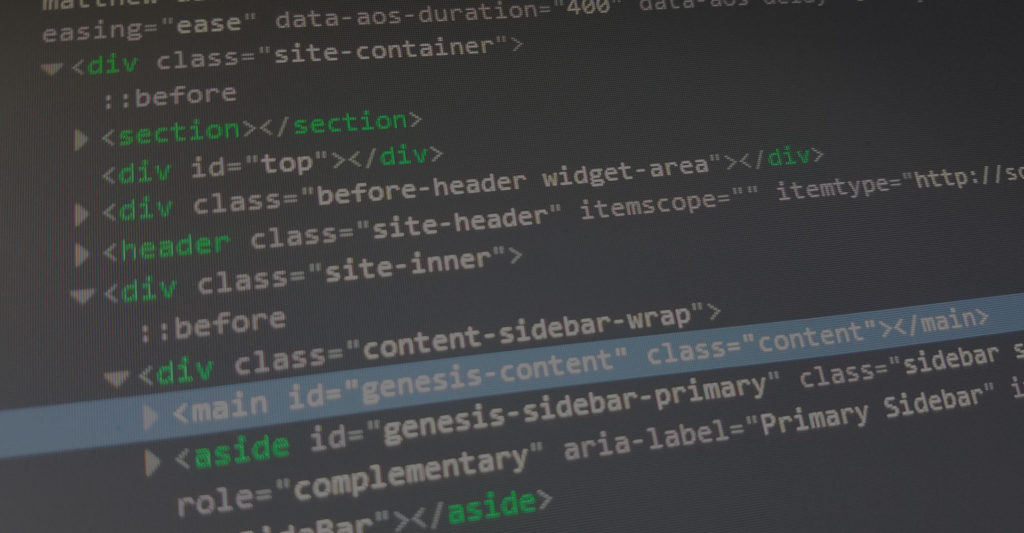
What Is HTML
HTML is a coding language that is used for structuring the front-end of a website. It’s the building block of all websites and without truly understanding it, creating a properly structured website is extremely difficult.
Notepad++
As with any skill, it’s best to use tools to help best assist us. In this case, I recommend Notepad++ to write our coding structure because it’s FREE and loaded with features right out-of-the-box. You can download Notepad++ by visiting this link.
HTML can be written in any document, but there are multiple features that make Notepad++ far superior than basic code editor applications, such as tabbed documents, launching documents in browsers, and coding language recognizer.
Now that we have Notepad++, we’ll dive into HTML Tags to better understand how to structure a website.
HTML Tags
When using HTML, we use what are called HTML Tags. These are a library of set default codes that browsers render out. They have a predetermined function given by the creators of HTML that browsers like Firefox, Chrome, and Explorer interpret.
An HTML tag looks like this <html></html>. Any code or content between the tag will be displayed in the browser by referencing the HTML library. Other HTML Tag examples would be: <header></header>, <body></body>, <footer></footer>, <div></div>, etc. It’s even possible to make our own HTML Tags and program what they do, but we’ll start with the most popularly used tags.
HTML Example
Note: Hover over an HTML Tag to see which tag is being used.
<!DOCTYPE>
<html>
<head>
<title>The Title</title>
<head>
<body>
<header>
<div><h1>The Main Header Title</h1></div>
<nav>
<ul>
<li>Home</li>
<li>About</li>
<li>Contact</li>
</ul>
</nav>
</header>
<main>
<section>
<div><h2>The Main Topic Title</h2></div>
<div><p>This is the main content for this page.</p></div>
</section>
</main>
<aside>
<section>
<div><h3>The Sidebar Title</h3></div>
<div><p>This is the sidebar content.</p></div>
</section>
</aside>
<footer>
<section>
<div><p>Copyright 2017 - The Page Creator</p></div>
</section>
</footer>
</body>
</html>
When we save this file as an .html document and open it in a browser, this is what displays out:

In this document, we used the following common HTML Tags:
- <!DOCTYPE>
- <html>
- <head>
- <title>
- <body>
- <header>
- <div>
- <h1>
- <nav>
- <ul>
- <li>
- <main>
- <section>
- <h2>
- <p>
- <aside>
- <footer>
To learn more about these and the rest of the common HTML Tags, continue below.
HTML Tag Reference
Basic HTML
| HTML Tag | Description |
|---|---|
| <!DOCTYPE> | tells browser which version of HTML the document is written in |
| <html> | tells browser content inside tag is HTML |
| <title> | tells the browser the title of the document |
| <body> | contains all content of the HTML document |
| <h1> to <h6> | set of default HTML headings for titles |
| <p> | designates content as a paragraph |
| <br> | creates a single line break in the document |
| <hr> | creates a horizontal line to thematically break content |
| <!–…–> | allows content to be written as comments but not displayed to the browser |
Formatting
| HTML Tag | Description |
|---|---|
| <b> | designates the wrapped content to be bold |
| <blockquote> | designates that wrapped content is from another source |
| <em> | stylizes the wrapped content in italics |
| <small> | stylizes the wrapped content as small |
| <strong> | stylizes the wrapped content as important |
Forms and Input
| HTML Tag | Description |
|---|---|
| <form> | begins an HTML form |
| <input> | allows users to type into a designated field |
| <textarea> | allows users to type into a larger designated field |
| <button> | designates an interactive button |
| <select> | begins a drop-down list to select from |
| <option> | designates a list item option in a select drop-down list |
| <optgroup> | designates a list item option group name in the drop-down list |
| <label> | designates a label for the input tag |
| <fieldset> | defines the area around a form |
Frames
| HTML Tag | Description |
|---|---|
| <iframe> | displays in another web url on the page |
Images
| HTML Tag | Description |
|---|---|
| <img> | displays an image from a url source |
Links
| HTML Tag | Description |
|---|---|
| <a> | creates a clickable element sending the user to another url or area of the page |
| <link> | calls in another file from a source |
| <nav> | designates navigation links to the browser |
Lists
| HTML Tag | Description |
|---|---|
| <ul> | designates an unordered list |
| <ol> | designates an ordered list |
| <li> | designates an list item |
Tables
| HTML Tag | Description |
|---|---|
| <table> | designates a table |
| <caption> | designates a table caption |
| <th> | |
| <tr> | |
| <td> | |
| <thead> | |
| <tbody> | |
| <tfoot> | |
| <col> | |
| <colgroup> |
Style and Semantics
| HTML Tag | Description |
|---|---|
| <style> | |
| <div> | |
| <span> | |
| <header> | |
| <footer> | |
| <main> | |
| <section> | |
| <article> | |
| <aside> |
Meta Info
| HTML Tag | Description |
|---|---|
| <head> | |
| <meta> | |
| <base> |
Programming
| HTML Tag | Description |
|---|---|
| <script> | |
| <noscript> | |
| <embed> |